Hello everyone,
Let me show you how to import your book data from Goodreads into Candl.
Step 1: Export Your Data from Goodreads
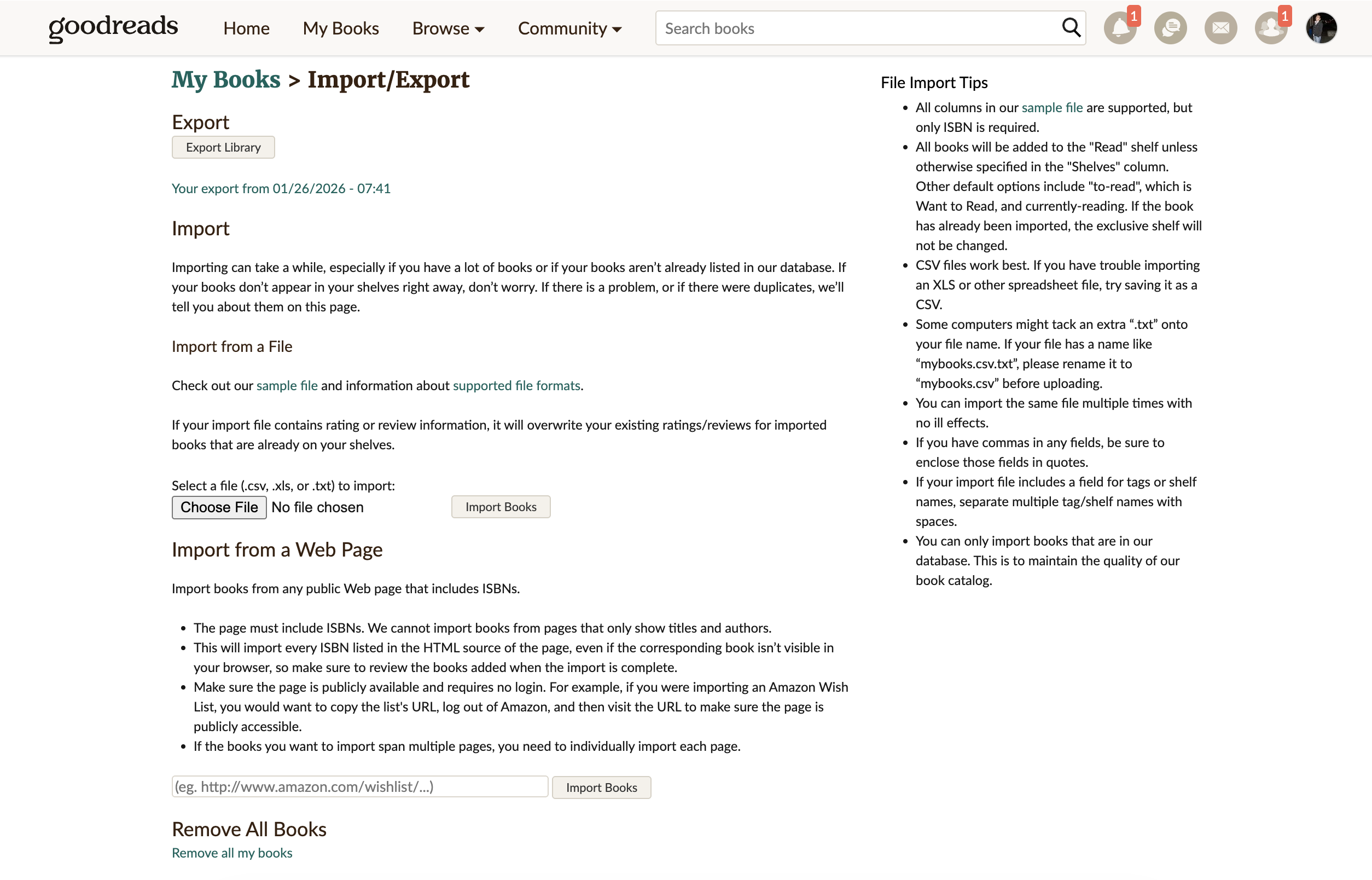
The first step is to export your data from Goodreads. Head over to the export page: https://www.goodreads.com/review/import. Click the "Export Library" button and download the generated CSV file to your computer.
Step 2: Upload to Candl
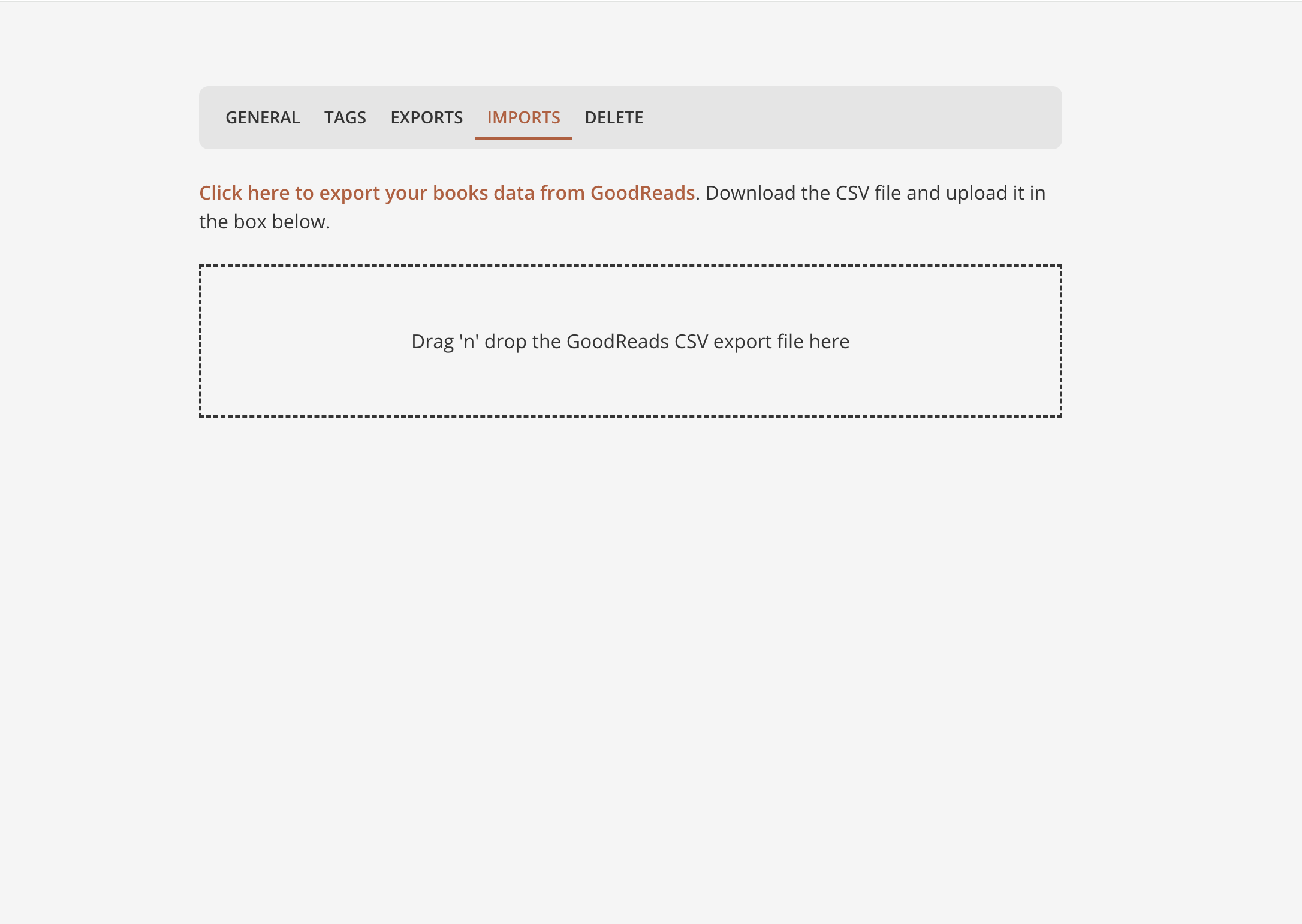
After signing in, you'll see an "Import from Goodreads" link on the homepage. Alternatively, navigate to Settings > Imports.
Click on the drag-and-drop area or simply drop the CSV file you downloaded from Goodreads.
Step 3: Review and Confirm
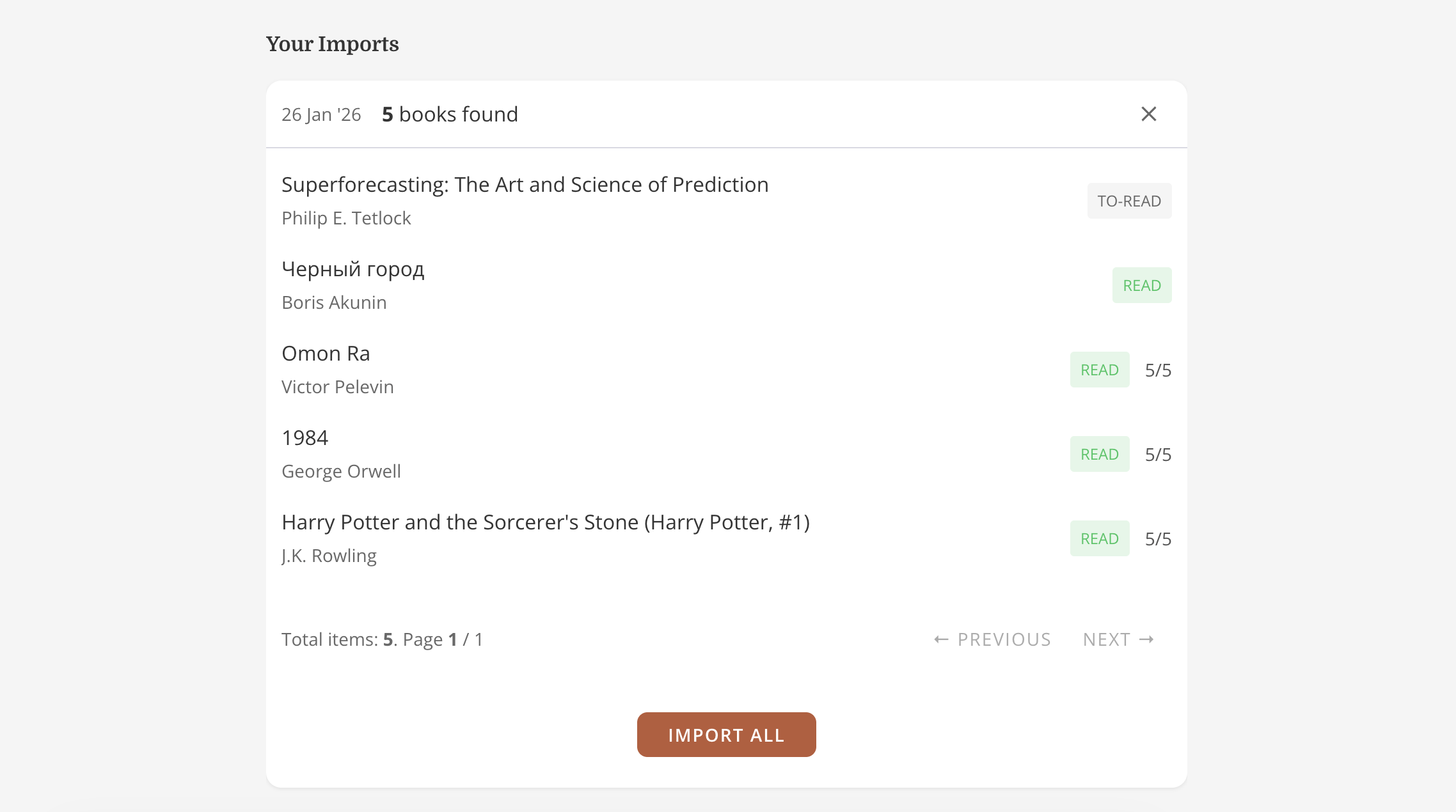
Once the file is processed (this might take a moment), you'll see a summary of your books. Review the list, then press "Import All".
After the import is complete, you can start managing your book collection in Candl!
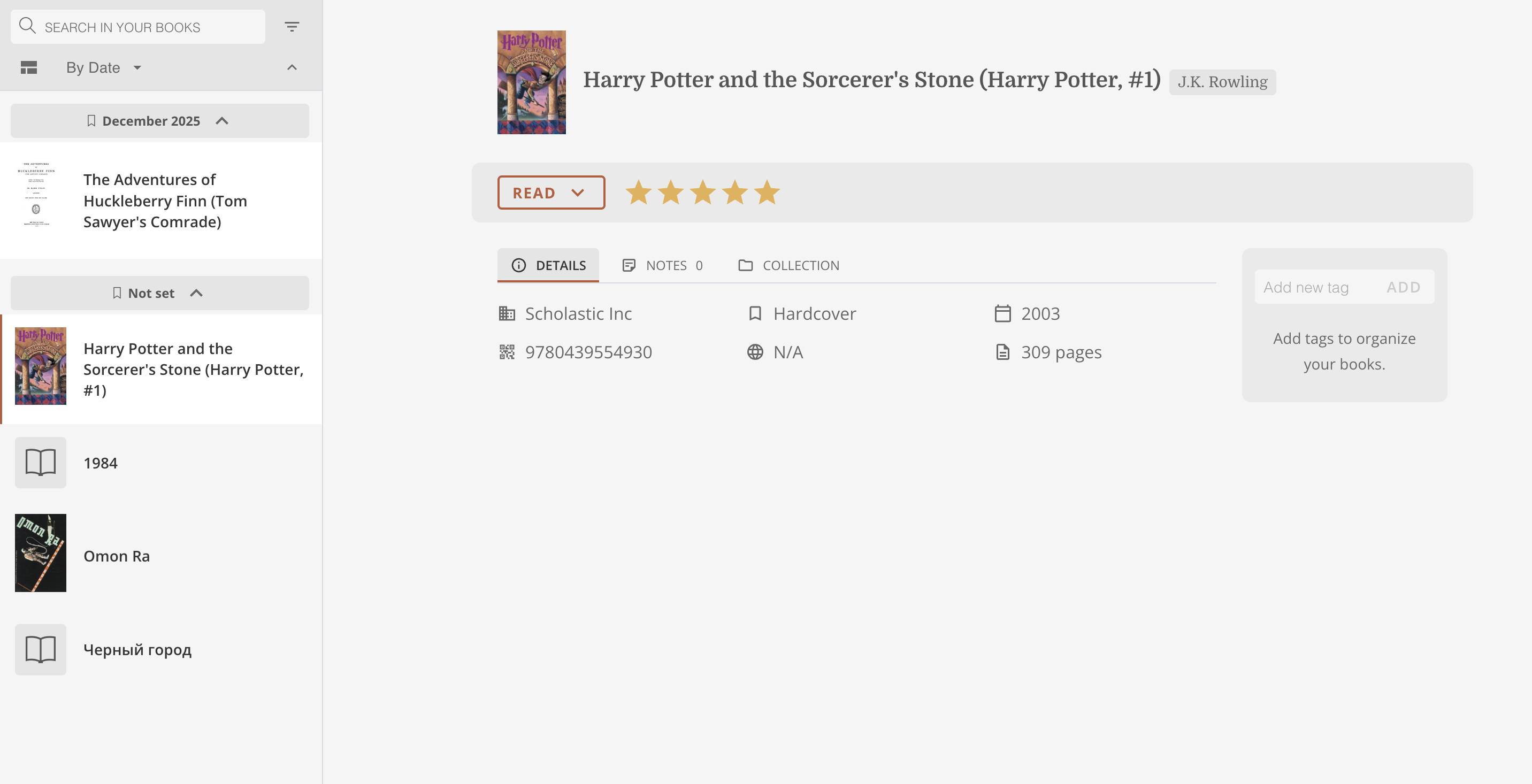
And that's it! You've successfully imported your book data from Goodreads to Candl.
Happy reading!